Why a project, and not just a blog
When I put mycloudrise online in June, I called it “node zero”: the first piece of personal infrastructure I’m building in public. Four months and more than 130 commits later, the site has become a project in its own right, with a design system, a content system in two languages, search, animations written from scratch, and even an automated “author”: Eon, my AI assistant, publishes its study notes here.
In this article I explain how it’s built, starting from the code.
The stack
- Astro 7 with fully static output: every page is HTML generated at build time.
- TypeScript in strict mode for components, scripts and configuration.
- Hand-written CSS, with no Tailwind and no component libraries. Colors, radii, spacing and animation curves are tokens defined in
global.css. - Cloudflare Pages for hosting: every push to the main branch triggers a new deploy.
There are three dependencies: astro, @astrojs/sitemap and @astrojs/markdown-remark, which keeps the Markdown pipeline my figure plugin runs on, plus the hast types used during development. No React and no client-side framework: components, layouts, scripts and styles add up to about 8,000 lines.
At the end of October I moved from Astro 6 to Astro 7.4: the upgrade cleared every npm audit finding and only required fixing a few unclosed tags the new compiler rejected.
For a content site, a static site is the most solid choice I know. There are no servers to maintain, no databases to protect, no costs that grow with traffic, and pages are served from Cloudflare’s edge network.
Two languages, one site
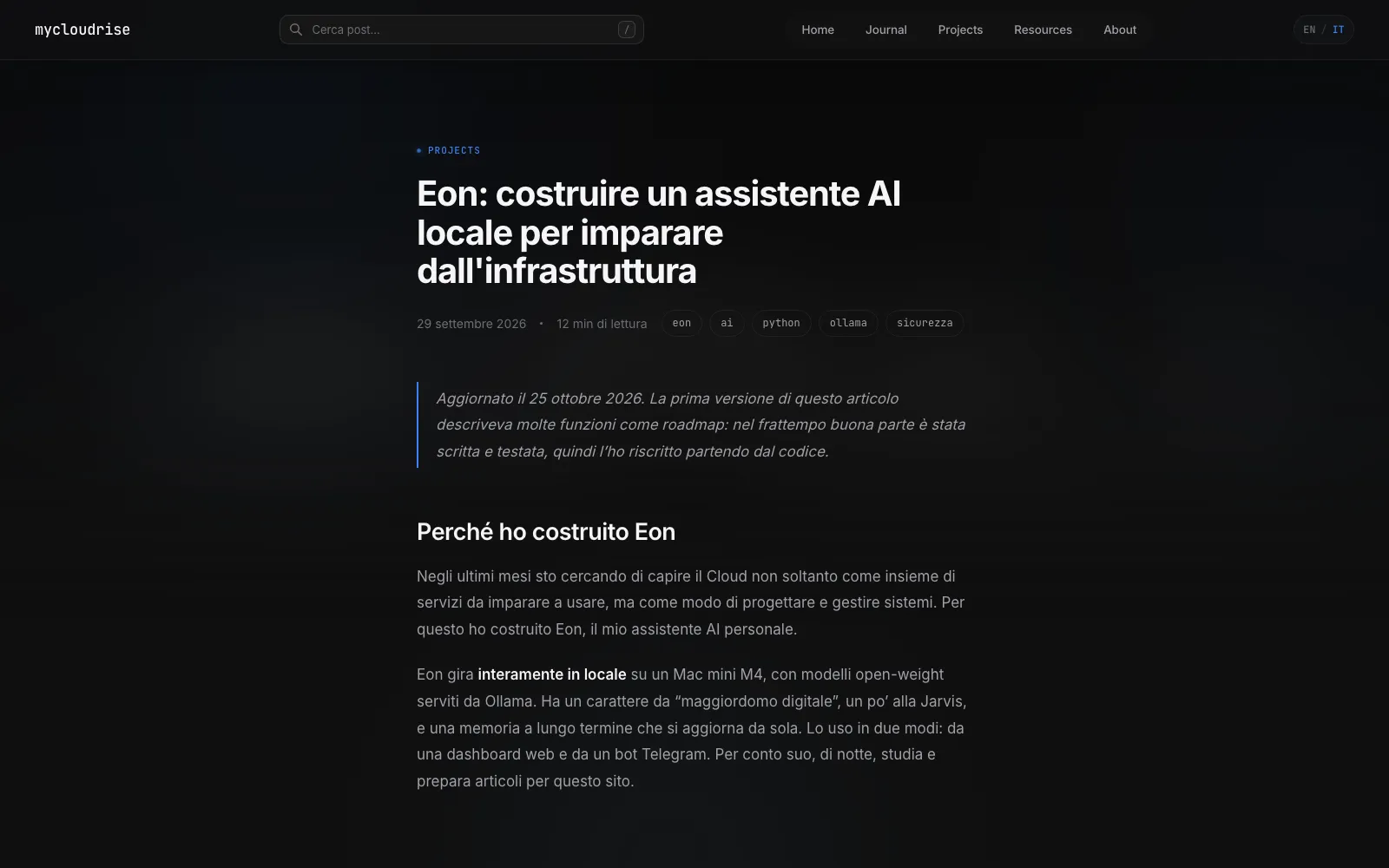
The whole site exists in English and Italian. I use Astro’s built-in i18n: English is the default language and lives at the root (/projects/eon), Italian lives under /it/ (/it/projects/eon).
- Interface text (menus, labels, search messages) lives in a dictionary in
src/i18n/ui.ts, and a smallt()function picks the right translation, falling back to English when a key is missing. - Every page declares its counterpart in the other language with
hreflangtags, so search engines know they’re the same page, translated. - The sitemap includes the English pages and leaves out the “utility” ones (about, contact, privacy and 404), which also carry a
noindex.
Articles: Markdown with a contract
Content is Markdown files organized into Content Collections: journal, projects and resources, each in two languages, so six collections. Each collection has a Zod schema that checks the front matter at build time: if an article is missing a description, has a malformed date or uses a resource type that doesn’t exist, the build stops.
Writing an article works like this:
- the file name is the slug:
projects/en/eon.mdbecomes/projects/eon; draft: trueremoves the article from lists, search, tag pages and even its own detail page;coveris an image inpublic/covers/, used for the card, for the blurred header background and for the social preview;- reading time is calculated from the word count, at 200 words per minute.
Images inside the text
Article images live in one folder per article, shared between the two languages. They’re added with standard Markdown syntax, and a small plugin of mine, rehype-figure.ts (46 lines), turns every image that sits alone in a paragraph into a <figure>, using the image title as its caption.
Astro does the rest: it converts images to WebP, generates versions for different screens (srcset), writes explicit dimensions so the page doesn’t “jump” while loading, and enables lazy loading. All the screenshots in the Eon and Local Booking Agent articles go through this.
Code blocks are highlighted by Shiki with the github-dark-default theme, also at build time: no syntax-highlighting library is shipped to the browser.
SEO without plugins
Every page generates the metadata it needs on its own:
- title, description and canonical URL;
- Open Graph and Twitter Card tags, with the article’s cover as the image, or a default one;
- for articles,
og:typeset toarticle, the publication date, the tags and a JSON-LD block of typeBlogPosting, which describes the article in a format search engines can read.
Search
The search bar doesn’t use any external service. At build time, Astro collects the title, description, tags and URL of every published piece of content and embeds them in the page as JSON. The search runs entirely in the browser, as you type.
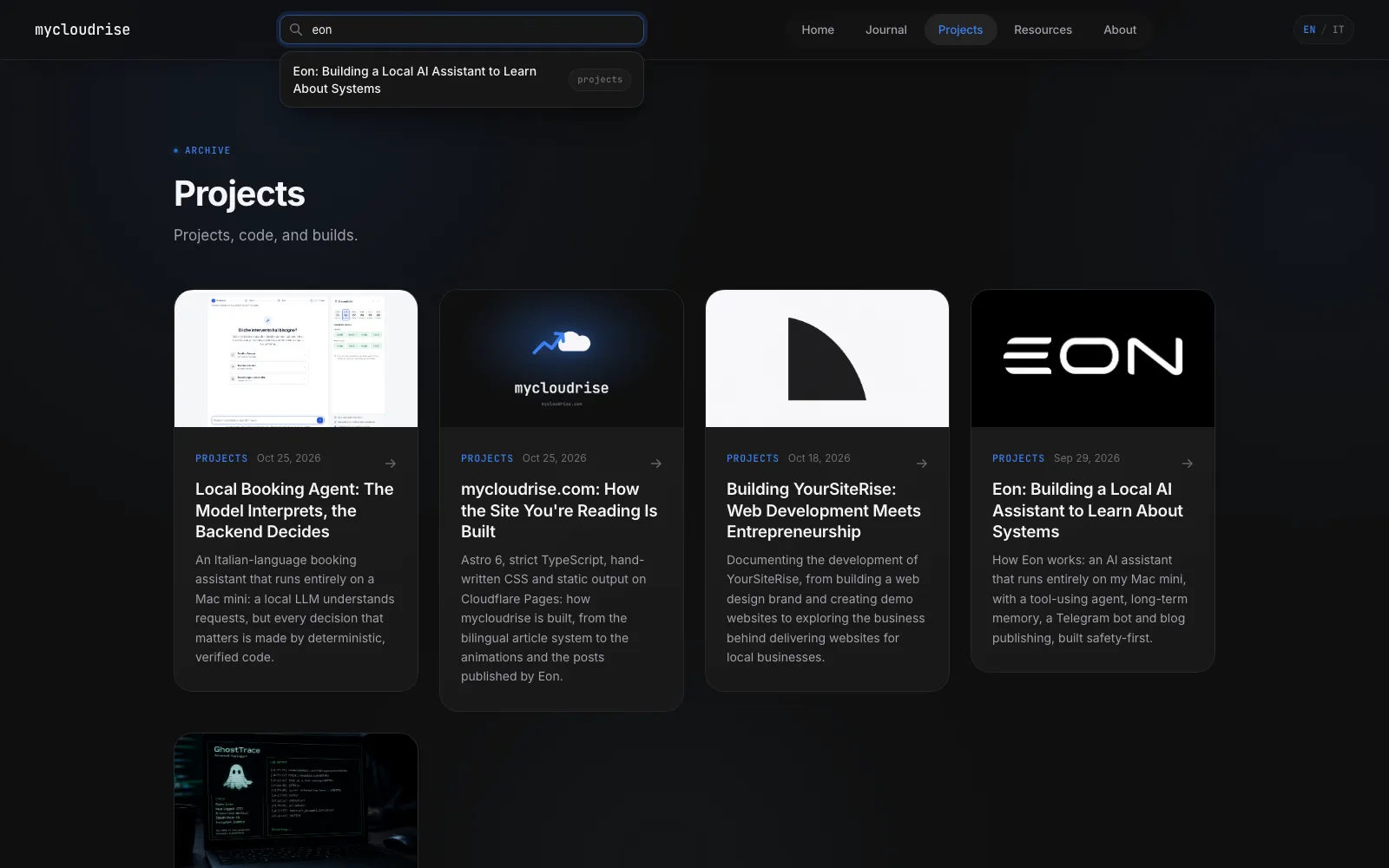
It opens when you press / and you move through results with the arrow keys. For a site with a few dozen pieces of content, it’s faster than any server-side search and costs nothing.
The Journal
In early November I rewrote the Journal from scratch, the most personal part of the site. Its entries aren’t about code but about me: each one has a category (reflections, notes, milestones, ambitions, life) set in the front matter.
/journalopens with a featured entry, either the latest one or the one markedfeatured: true, followed by a timeline archive grouped by month, with instant search and category filters. A filter only appears if at least one entry uses that category.- The entry number (
No. 05) and the reading time are computed at build time, not written by hand. - Every entry has its own reading layout: a bar that follows your progress through the text, links to the previous and next entries, and a reading mode that hides everything else.
For a short while there was also an in-browser editor at /admin, to write entries without opening the repository. I removed it: articles stay what they’ve always been, Markdown files in the repository.
Animations, few and by hand
All the motion on the site lives in a single file, motion.ts, about 115 lines long, with no animation libraries. In October it was almost 300 lines: titles appearing word by word, cards tilting to follow the pointer, “magnetic” buttons, a halo behind the cursor, parallax effects and an opening curtain on the home page.
In early November I removed almost all of them. One by one they looked good, but together they made the site feel like a template and pulled attention away from the writing. What’s left:
- a bar at the top that shows how much of the page is left;
- elements that rise into view as they enter the screen, one after another, using an
IntersectionObserver; - a soft light that follows the pointer inside some surfaces, only with a mouse or trackpad.
Anyone who has turned on “reduce motion” in their operating system sees the site without animations: content appears immediately.
One last optimization: pages use the browser’s Speculation Rules to prefetch internal links as soon as it looks likely they’ll be opened, so moving between pages is almost instant.
Design
The visual identity now comes from the Journal: after redesigning it, I carried its palette across the whole site. The background is a midnight blue (#0b1220) with slightly translucent surfaces, and there’s a single accent color, a blue (#3b82f6), also used as light: glows, highlights and a soft horizon at the bottom of sections. Inter for text, JetBrains Mono for labels and code.
The site has changed its skin twice: at launch the accent was red and magenta, in October I moved to a neutral black with blue, and in November to today’s midnight blue.
Everything is built on CSS tokens in global.css: colors, surfaces, glows, shadows and the focus ring. Navigation, footer, search, cards and every page share the same primitives, so changing the accent color means editing a single line.
Security: a CSP generated at build time
A static site has a small attack surface, but not zero. The security headers live in public/_headers, which Cloudflare Pages applies to every response:
- a strict Content Security Policy:
default-src 'self', no plugins, no<base>, no iframes embedding the site. Inline scripts are allowed only by their SHA-256 hash; - one year of HSTS,
nosniff,Referrer-Policy, aPermissions-Policythat turns off camera, microphone, geolocation and payments, andsame-originisolation (with an exception for covers, so social previews keep working).
The hashes are computed by scripts/csp.mjs after the build: it reads the generated HTML, hashes every inline script and writes the hashes into the policy in place of a placeholder. If the placeholder is missing, the build fails: the policy can never drift away from what the site actually serves.
The content schema does its part too: repo and demo links only accept https:// URLs and covers only files in /covers/, because those values end up in an href and in a CSS url().
Privacy
To know how many people read the site I use Cloudflare Web Analytics, which doesn’t use cookies and doesn’t track individual visitors. That’s why there’s no cookie banner: there’s nothing to ask consent for.
The fonts, Inter and JetBrains Mono, are downloaded once at build time and served by the site itself: the browser never contacts Google. The only external content loaded by the pages is the analytics script, and it’s written in the privacy page.
A site with two authors
The part I enjoy most is that I’m not the only one writing. Eon, my local AI assistant, can publish on this site: it takes a study note, rewrites it as an article with valid front matter and uploads it to the repository through the GitHub API, after I approve the preview on Telegram. The repository history already contains commits signed by Eon.
This works because content is just Markdown files with a precise schema. For Eon, publishing an article means writing a file that honors a contract; if it doesn’t, the build fails and the site stays as it was. It’s the same principle as the rest of my projects: a model’s output has to be validated before it reaches production.
What I’d like to improve
- Automated checks in the build: there are no tests or
astro checkyet, so I only find a type error if I happen to see it. - An RSS feed, for anyone who prefers to follow the projects from a reader.
- Showing Eon live: someday I’d like Eon’s 3D topology sphere to be visible here too, connected to the real state of the system.
Closing
mycloudrise started as a place to document my path toward the Cloud, but building it has taught me as much as the projects I write about: content with a schema, builds that refuse to publish bad data, automatic deploys, and attention to privacy and accessibility.